Screen time guidance for young children explained starts in three bands: avoid screen media before 18 months apart from live video calls, introduce only high-quality content that an adult watches alongside a toddler from 18 to 24 months, and hold ages 2 to 5 to about an hour a day of quality programming. Below is what each age band says, what changed in 2026, and how to make it work on an ordinary Wednesday.
The short version, in bullets:
- Under 18 months: no screens, with live video calling with family as the accepted exception.
- 18 to 24 months: if you do introduce screens, choose high-quality programming and watch it with your child rather than handing the device over.
- Ages 2 to 5: roughly one hour a day of quality content, ideally co-viewed, never a second screen running in the background.
- Bedtime and meals: screens off about an hour before bed, and out of both the bedroom and the dinner table.
- Mindset: these are recommendations, not a scorecard. Look at the week rather than the worst day.
If you only read one paragraph of this, read that one. The rest is the reasoning, the edge cases, and the part nobody tells you: what to actually say when the tablet is the only thing that has stopped your child crying.
Table of Contents
- What Is Screen Time for Young Children?
- Screen Time Guidance for Young Children by Age
- Under 18 months: why the recommendation is avoidance rather than a small limit
- 18 to 24 months: introduction, not habit
- Ages 2 to 5: about an hour a day of quality content
- What changed in the 2026 policy statement
- What Kind of Screen Time Matters Most?
- Video calling is the highest-value screen use at every age
- Background TV is the quiet problem
- Short-form video and social media deserve the closest watching
- Educational content and creative making are different categories again
- Crowding out is the real measure of harm
- Why Is There No One Perfect Daily Limit?
- How Can Parents Set Healthy Limits Without Constant Negotiation?
- Fix the slot instead of rationing the total
- Make three zones screen-free and you have done most of the work
- Give a warning, then name the next thing
- Turn off autoplay and anything that spends real money
- Get every caregiver onto the same page, including grandparents
- Model it yourself
- When Screen Time Guidance for Young Children Feels Unrealistic
- A rigid limit should not override learning, communication, health, or accessibility needs
- Working from home removes the boundary that used to do the work
- Travel, sick days and late naps are exceptions, not failures
- Limited alternatives are a resource problem
- What Can Replace Screen Time Without Causing Meltdowns?
- During dinner preparation
- During the difficult hour
- Waiting in queues and on walks
- Instead of a video call gap
- Transition tactics that hold up
- How Can Parents Tell Whether Media Use Is Becoming a Problem?
- The signs that screen use has become a problem
- How to tell whether your current setup is working
- When to talk to your child’s pediatrician
- Frequently Asked Questions
- Is all screen time bad for young children?
- Is screen time necessary for young children to learn?
- How do we handle screen time when we work from home?
- Does video calling count as screen time for young children?
- What should we do when other adults give our child more screen time than we do?
- Where to Start
What Is Screen Time for Young Children?
Screen time means any screen a child is watching or using. That covers a television, a phone, a tablet, a laptop, a desktop computer and a smart watch or smartwatch with apps on it. A video call with grandma counts. A game on a watch counts. A cartoon playing in the next room while your child plays with blocks counts too, just differently.
That last one is usually called background TV, and researchers treat it as a separate category from watching along. Nobody is sitting there watching, but the sound still pulls a toddler’s attention away from the adult talking to them and away from the conversation they were having. Several studies have linked heavy background media to thinner vocabulary in children under two. Turning a screen on to keep a child occupied while you cook is the single most common setup in homes with toddlers, and it is also the one most consistently associated with less talk.
The other thing worth naming early: context changes what a minute of screen does. The same twenty minutes of animation watched next to an adult who names the animals and asks what the character is doing is a completely different experience from twenty minutes handed over alone. That distinction is why the current guidance leans on who is watching and what is being watched rather than only on the count.
Screen Time Guidance for Young Children by Age
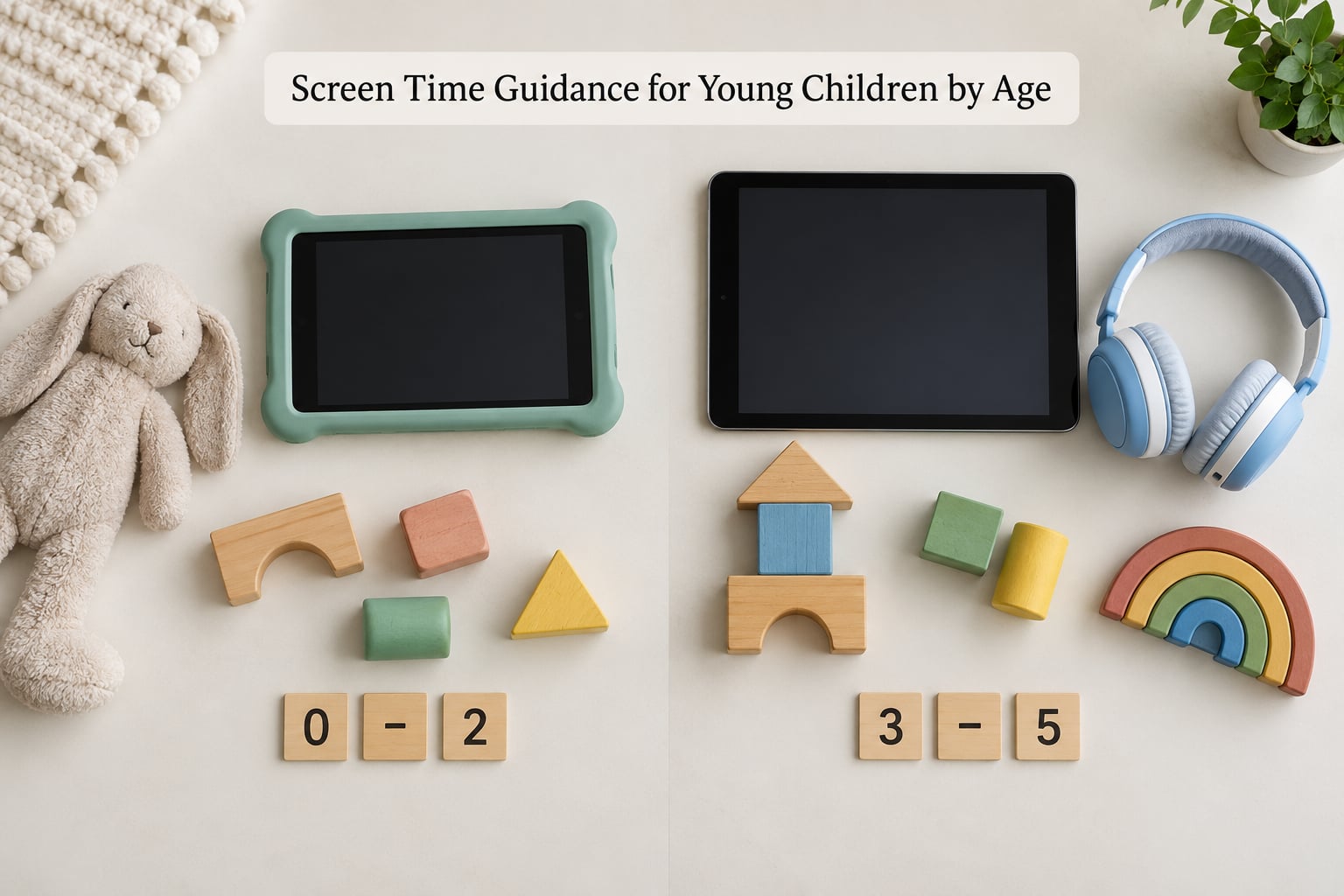
The current direction from the American Academy of Pediatrics is unchanged on the headline numbers: no screen media before 18 months except live video chatting, high-quality co-viewed content from 18 to 24 months, and about an hour a day of quality programming from ages 2 to 5. The table below puts those numbers next to the World Health Organization’s guidance and a practical reading of each band.
| Age | AAP classic guidance | WHO guidance | What to do today |
|---|---|---|---|
| Under 18 months | Avoid screen media other than live video chatting | No sedentary screen time under 1 year; 18 to 24 months only very high quality, co-viewed | Keep screens out of reach. Let video calls with family be the exception |
| 18 to 24 months | Introduce only high-quality programming and co-view | 18 to 24 months: highly limited, only very high quality, co-viewed | One short, slow-paced show watched sitting next to your child. Narrate it out loud |
| 2 to 5 years | Limit to about 1 hour a day of high-quality content | Ages 2 to 4: no more than 1 hour of sedentary screen time per day, less is better | Keep it to one predictable daily slot and turn it off an hour before bed |
| 6 years and up | Consistent limits, quality content, device-free meals and bedtimes | No single fixed limit; focus on balance and what screen use displaces | Start teaching self-regulation, charging outside the bedroom and keeping devices in a common area |
Under 18 months: why the recommendation is avoidance rather than a small limit
Before about 18 months, video is a poor substitute for a person. Very young children learn language from back-and-forth conversation with a responsive adult, and a screen cannot answer back, pause for a reply or mirror a child’s expression. Scrolling, autoplay and endless recommendation feeds make this worse, because they remove any stopping point entirely. Video chatting is treated differently because a live adult on the other end of a call is genuinely interactive.
18 to 24 months: introduction, not habit
This band is where most families get stuck, because the limit is qualitative rather than a number. The guidance is to introduce only programming made for your child’s age, and to watch it together. Toddlers who meet their first screen content sitting next to a talking adult tend to treat the screen as something that happens with a person, which makes it far easier to keep the habit small.
Ages 2 to 5: about an hour a day of quality content
One hour a day of high-quality programming is the number most parents have heard, and it is still a reasonable ceiling for a preschooler. Quality is doing real work in that sentence. Slow pacing, no rapid cuts, a story that makes sense, and something your child can carry into the playground or the dinner table are the markers worth looking for.
What changed in the 2026 policy statement
The AAP’s 2026 policy statement, Digital Ecosystems, Children, and Adolescents, does not repeal those figures so much as reframe the question. Its emphasis moves from minutes toward the 5 Cs: the Child’s age and developmental stage, the Content, a Calm media environment, what screens Crowding out, and Communication around the screen. It also names platform design, autoplay and in-app purchases as part of the problem rather than something parents can manage on their own.
That is why half the pages you will find on this topic still argue about the hour. The numbers remain useful as a starting point. The framing behind them has moved on.
What Kind of Screen Time Matters Most?
Not all minutes are the same minute. Sorting media use into types makes the conversation far easier than arguing about a stopwatch.
Video calling is the highest-value screen use at every age
A live call with a grandparent involves your child answering, describing, showing things and reading facial cues. It is interactive in a way no recorded content is, which is exactly why it is the named exception in every major set of guidance. Where you live makes no difference to the value of that call.
Background TV is the quiet problem
A screen no one is watching still competes with talk. Parents often tell themselves it is harmless because nobody is engaged with it, and then wonder why their two-year-old has a small vocabulary and gets frustrated in groups. Turning off background media and seeing what happens over a week is one of the fastest changes you can make.
Short-form video and social media deserve the closest watching
Infinite scroll, algorithmic feeds and autoplay are engineered to remove the natural stopping point that a twenty-two minute episode gives you. Guidance aimed at this age group leans away from anything with no built-in end and no adult narration, which is most open-ended short-form video.
Educational content and creative making are different categories again
Making something counts differently from consuming it. Drawing with a tablet app, recording a story your child narrates, or sketching a family video involves active choices and usually an adult nearby. A video call with a teacher or a therapist also belongs here, and is addressed further down, because it is not entertainment and should not compete with it for the same hour.
Crowding out is the real measure of harm
The useful question is not whether a screen is on. It is what stopped happening because of it: sleep, movement, outdoor time, shared meals, conversation, unstructured play. An hour of well-chosen content after dinner is a very different proposition from an hour that replaced the walk, the bath routine and the talking.
Why Is There No One Perfect Daily Limit?
Official guidance is deliberately loose for children two and older, and that flexibility reads to some parents as vagueness. It is not. It reflects that two preschoolers with the same chronological age can have very different language skills, attention, home situations and access to alternatives, and that a fixed number cannot flex with all of that.
The 2026 policy statement makes the reasoning explicit: media use should be judged against the child’s age and developmental stage, the content itself, whether the household environment is calm, what the screen is crowding out, and who is communicating with the child. Those five questions produce different answers in different homes on different days, which is the point.
What stays firm across every authority is the under-2 band. Below 18 months, except for live video chatting, the recommendation is avoidance, because rapid media consumption is developmentally the wrong tool at that age. Flexibility is for preschool and school-age children, not infants.
If you want one number to work with in the meantime, use about an hour a day of quality content for ages 2 to 5, keep screens out of the hour before bed, and treat consistency across the household as more important than hitting the figure exactly.
How Can Parents Set Healthy Limits Without Constant Negotiation?
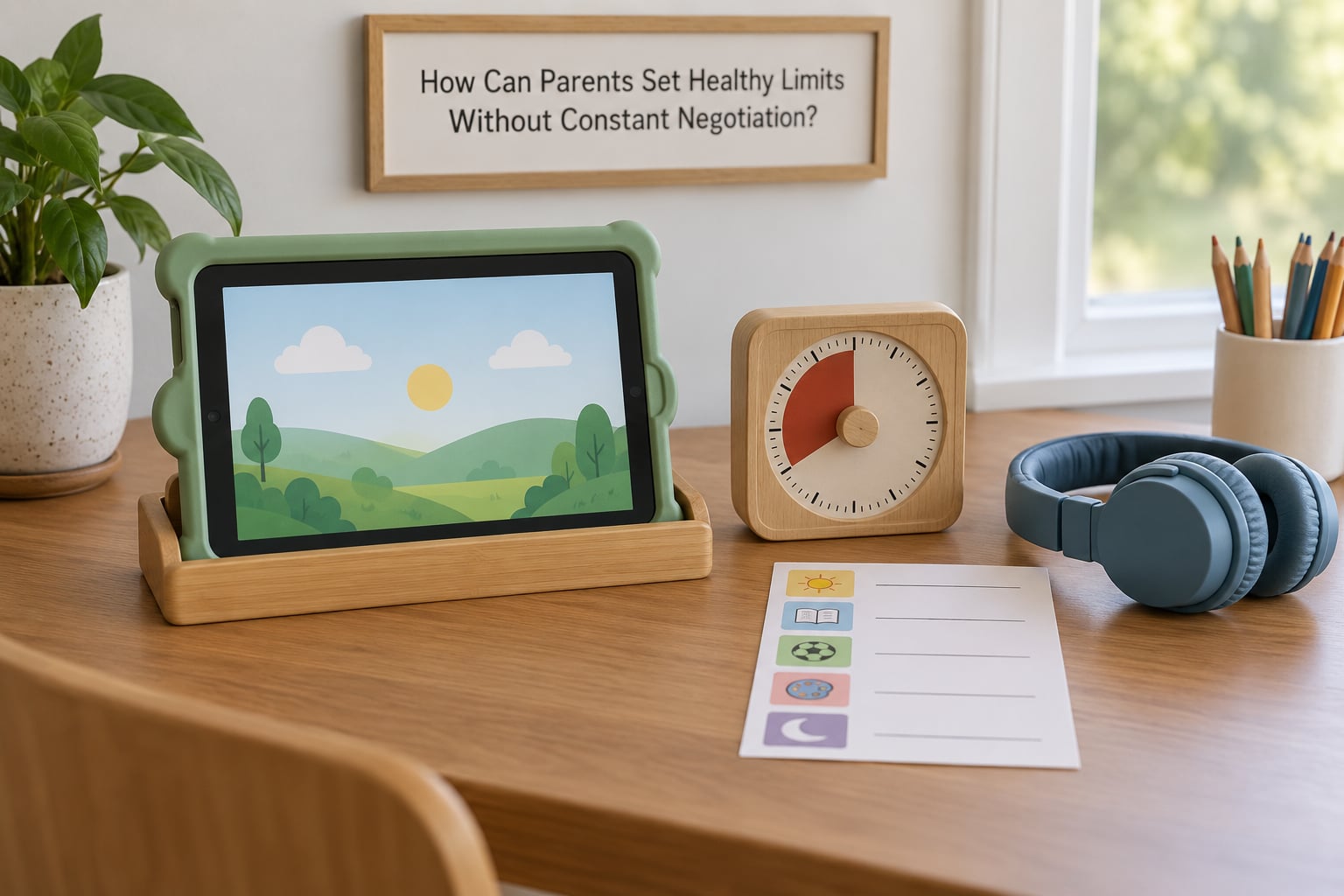
Most limit battles are not about the limit. They are about the stopping moment. The families who get this working tend to have decided in advance when screens happen, decided in advance how the session ends, and made sure everyone in the house is saying the same thing.
Fix the slot instead of rationing the total
The most useful idea to come out of parent forums is scheduling rather than counting. If screen time lands at the same moment every day, usually during the after-nap or after-dinner gap, toddlers stop negotiating for it because they know it is coming. Children do not fight for the thing that arrives on schedule. They fight for the thing that sometimes arrives and sometimes does not.
Make three zones screen-free and you have done most of the work
Meals, the car, and the bedroom. These three are where screens do the most damage and where they are easiest to remove, because nobody defends them. A device-free dinner table also removes the bargaining that happens when every meal starts with a negotiation about whether the tablet comes to the table.
Give a warning, then name the next thing
A ten-minute warning on its own is what most parents already try, and forum threads describe it failing often. What works better is the wording and the follow-through: warn, then say exactly what happens next. Two minutes left, then we are switching to blocks. Then take the device physically out of the hand and start the named activity. A child who knows what comes next can move through it; a child who does not will test you every time.
Turn off autoplay and anything that spends real money
Autoplay is the reason a twenty-minute episode becomes an hour. Disable it, disable in-app purchases, keep the device in a common area rather than the bedroom, and use the device’s own screen-time or app limits as a backstop rather than as your only enforcement. Most platforms have a parent-controlled settings area that does this work once it is set up.
Get every caregiver onto the same page, including grandparents
The most common failure is not a child exceeding the hour. It is one adult handing over the phone while another enforces the limit, and the child correctly learning that the rule is negotiable with the right adult. Write the household rules down, keep them short, and give them to grandparents, nannies and babysitters, because that is where consistency actually breaks.
Model it yourself
A parent scrolling at the dinner table has already lost the argument about the tablet. Devices charge in a shared space overnight rather than beside the bed. Kids copy the media behaviour they see most, which makes parental modelling one of the higher-return moves available.
When Screen Time Guidance for Young Children Feels Unrealistic
Here is the case almost no guidance page handles: a parent is alone, the baby has been crying for an hour, dinner is not made, and a screen is the only thing that will stop it. The honest answer is that a rule you abandon on the hardest days is not a rule you broke. It is a rule that was never built for your actual life.
A rigid limit should not override learning, communication, health, or accessibility needs
This is the central point of the whole section. School assignments, online therapy, a speech-language session delivered by video, a telehealth appointment, a child who needs visual input or communication support that only a screen provides, a caregiver who works from home with no other childcare. In these cases the limit steps aside. A rigid number that overrides an essential learning, communication, health or accessibility use is not a boundary, it is an obstacle, and no set of recommendations intends that outcome.
Working from home removes the boundary that used to do the work
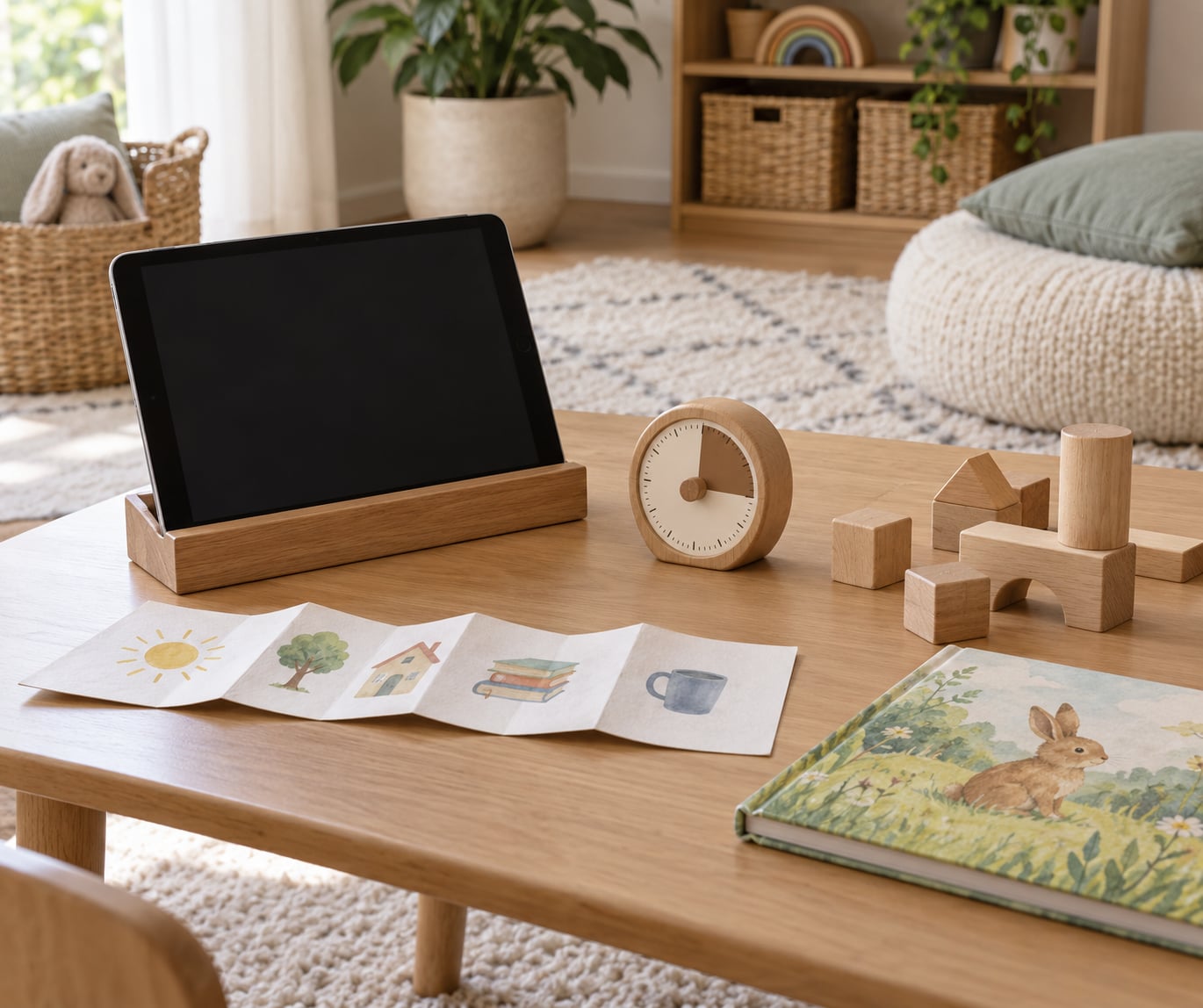
Before remote work, the commute, the office and the school run created screen-free stretches nobody had to negotiate. At home those gaps disappear, and the tablet becomes the cheapest available filler. The fix is environmental rather than motivational: a device station in a non-shared room, a visible timer, and a rule that the child’s session does not live in the room you are working in.
Travel, sick days and late naps are exceptions, not failures
A long flight, a delayed nap, or a day home with a fever will break the daily pattern. Treat it as an exception and go back to the usual slot the next day rather than recalculating the whole week. What matters across weeks is that screens are a choice rather than the default thing that fills every gap.
Limited alternatives are a resource problem
Some households have a small yard, no car, a disability that limits physical play, or simply a worn-out parent at the end of the day. Suggestions that assume a park within walking distance are not usable advice. Choose replacement activities you can actually do in the room you are already in, which is what the next section is for.
What Can Replace Screen Time Without Causing Meltdowns?
The failure mode is telling a toddler to stop doing something enjoyable and then offering nothing. The replacement has to be chosen before the session starts, not invented in the middle of a meltdown.
During dinner preparation
Set out a shallow tray of safe kitchen items to carry and drop into a pot while you cook, a sheet pan they can spoon flour onto, or a pot of water with plastic cups on the floor of the kitchen. Cooking alongside you is what a child misses most when the show goes on.
During the difficult hour
On the days when the transition is going to be rough, lower the bar rather than the screen time. Build a cushion from blocks and a blanket fort, five paper-plate puppets, a cardboard box car, a sheet of paper and a sticker drawer. Nothing here needs buying and all of it can be started in under a minute.
Waiting in queues and on walks
Give them the job. Counting car lights, spotting dogs, carrying the shopping list, naming the traffic sign. Movement plus a small task absorbs waiting time better than anything passive, and it doubles as language practice, which is the skill under threat in the first place.
Instead of a video call gap
After the call ends, build a small ritual around it. Draw something your child describes from the call, cook the recipe a grandparent talked about, or have them narrate what they told grandma and play it back. That converts screen time into a thread that continues offline, which is exactly the carryover quality researchers look for.
Transition tactics that hold up
Announce the change while the screen is still on, not after it has gone off. Use a visible timer your child can watch. Say what happens next in the same sentence as the warning. Follow through the first time even if the first time is hard, because children test a new boundary several times before they accept it. And if you miss a transition, skip the apology and just reconnect.
How Can Parents Tell Whether Media Use Is Becoming a Problem?
Most families can tell something has shifted but cannot name it. These are the patterns worth taking seriously, as patterns rather than as proof of anything.
The signs that screen use has become a problem
- Real distress when the device is unavailable, or a child who cannot be redirected when it is switched off.
- Sleep drifting later, or bedtime routines collapsing around the screen.
- Physical activity, outdoor time and shared meals shrinking.
- Every transition becoming a conflict, with play and books losing their pull.
- Frustration and self-hitting when screens are withdrawn, the withdrawal worry that makes parents abandon the limit altogether.
- Media use spilling into areas you did not agree to, like a tablet in bed at midnight.
One common worry deserves a careful answer. Parents often ask whether screens cause language delay, and reviews link higher, more passive screen use with weaker language skills. A 2020 systematic review and meta-analysis in JAMA Pediatrics pooled 42 studies and more than 18,000 children and found modest correlations between screen use in early childhood and later language outcomes. Correlation is not proof of cause: chatty, book-rich households differ from low-talk households in many ways at once. It is still enough to treat co-viewing and conversation as protective, and cheap to do.
How to tell whether your current setup is working
Look at a week rather than a day, which is the single most useful shift parents report making. Note roughly how much screen time happens, whether it crowds out anything, and who is nearby during it. If the answer is that a screen is on nearly always, mostly in the background, or most often as a way to stop distress, that is the useful information, and it points at the setup rather than at your character.
When to talk to your child’s pediatrician
Raise it with your pediatrician if you are worried about speech or language development, if the child does not seem to communicate or interact as they should for their age, if screen use is interfering with sleep or feeding, or if reducing screens has not changed a pattern that worries you. Your child’s clinician can assess development directly, check hearing, and refer to speech and language services if needed. Do this rather than waiting to see whether the limit sticks on its own, because language and communication concerns are time-sensitive and easy to address when caught early.
This article is general information about widely published guidance for families. It is not medical advice, and it does not replace a conversation with your child’s doctor about your child.
Frequently Asked Questions
Is all screen time bad for young children?
No. Live video calling with family is encouraged even for babies under 18 months, because a responsive adult on the other end is genuinely interactive. For ages 2 to 5, about an hour a day of high-quality content watched together is standard advice. What research links to weaker language and attention is rapid, passive, unsupervised use that crowds out talk, movement and sleep. Judge the content, the company and what the screen displaces, not the mere fact of a screen being on.
Is screen time necessary for young children to learn?
Not in the way most parents fear. Young children learn language, movement and problem-solving through conversation, play and hands-on activity, which is why guidance points away from passive viewing. Screens do have legitimate learning uses: a video call with a teacher or therapist, a school assignment, or a drawing or storytelling app used alongside an adult. Those belong in a different category from entertainment and should not compete for the same daily hour.
How do we handle screen time when we work from home?
Treat it as an environment problem rather than a willpower problem. Put the child’s device station in a room you are not working in, keep the session in the same predictable daily slot, and set the tablet’s own limits and app restrictions as a backstop. Protect meals and the hour before bed as screen-free, and model it yourself, because a parent scrolling at the desk teaches more than any rule you explain on the way past.
Does video calling count as screen time for young children?
It counts as screen use, but it is the exception every major set of guidance makes, and it is treated differently. Live video calling with family is recommended even for children under 18 months, because the interaction is two-way: your child responds, shows things and reads faces. A recorded video call left running to entertain a toddler is not the same thing and does not carry the same benefit.
What should we do when other adults give our child more screen time than we do?
Write the household rules down in three lines and share them with grandparents, nannies and babysitters, because inconsistency between caregivers is the most common reason limits collapse. The failure is usually one adult handing over the phone while another enforces the limit, which teaches a child that the rule depends on who is in the room. Keep the daily slot the same every day so there is nothing to negotiate, and treat a long travel day as an exception rather than a new baseline.
Where to Start
If you do one thing this week, pick the slot. Choose the time of day your child’s screen time happens, put it in the calendar like a bath or a nap, and tell the other caregivers in the house. A predictable time is easier to hold than a daily total, and it removes the daily negotiation entirely.
Then make three zones screen-free: meals, the car and the bedroom. Keep one hour between the last screen and bedtime. Turn off autoplay, and hand the next activity over the moment the warning is given rather than searching for one afterwards.
After a couple of weeks, look at the pattern rather than any single evening. Is sleep on track? Is there movement and conversation in the day? Is the screen still something your child chooses rather than something handed to them to stop distress? If the answer to those is yes, screen time guidance for young children is doing its job, and the hour you are worrying about has stopped being the interesting part of the day.